
AI is quickly becoming part of how real operational work gets done. Not as a gimmick or bolt-on, but as a practical layer that removes friction from everyday tasks. As we expand AI across the platform, we’re introducing a new user tier to support this shift.
The Pro User Tier
The Pro User tier unlocks expanded AI access for teams that need AI integrated consistently into everyday workflows. It also includes access to all current and future AI-powered features as they are released.
Our AI-powered features currently include:
- The Form Generator lets you create a digital form by simply typing or speaking. No more manually creating forms.
- The Conversational AI lets you customize your newly created form by typing or speaking to it. Quickly change the colours of multiple fields at once by just asking the AI to do it.
- The new Voice Fill & Photo Fill capabilities are introduced below.
All users receive a complimentary monthly allocation of 5 AI credits on the Web Portal and 3 AI credits on the Mobile App. This allows every customer to experience and experiment with these capabilities at no additional cost.
Learn More
You can read more about the Pro User Tier here in our knowledge base article. If you have any questions, please contact customer@appenate.com.
Our goal is to continue expanding AI-powered capabilities across the platform to help you reduce effort, improve data quality, and move faster.
New Features: The App Is Going Hands-Free
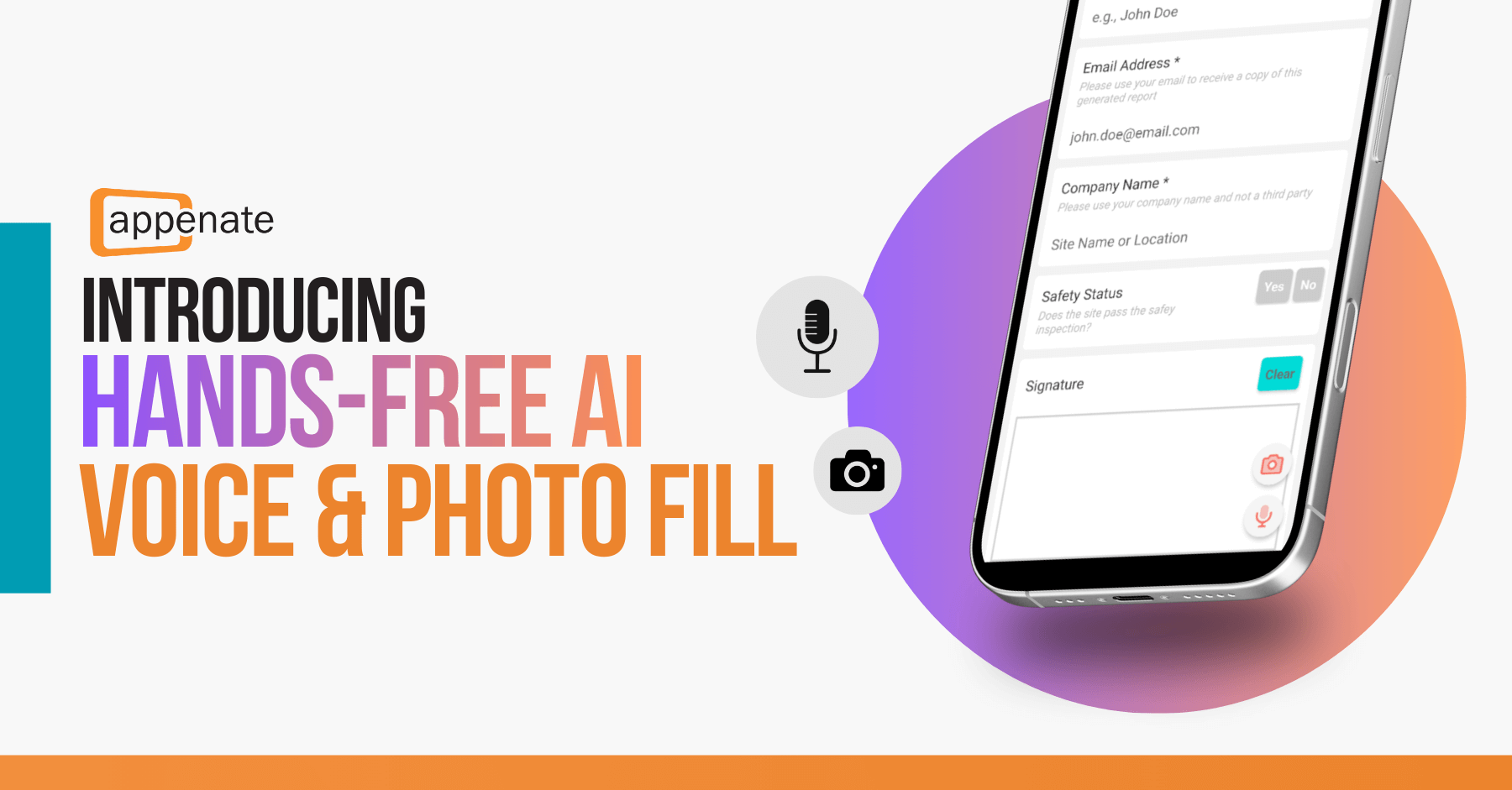
We’ve been working on something we’re genuinely excited about. Over the next week, AI Hands-Free Voice and Photo Fill will roll out across our mobile apps, starting with the Appenate App. With this update, we’ll give teams a faster and more practical way to capture data in the field.
Voice Fill with AI
Typing is not always practical.
Many Appenate users work in real-world environments, such as at height, around machinery, in protective equipment, or in awkward positions where interacting with a touchscreen slows work down.
The way we fill out forms has been changed forever!. Now, it’s as simple as tapping the mic button on any form and speaking naturally. And no need for robot-speak like “Set field 1 to value A.”
Just say something like “Inspector John Smith hit his pinky with a hammer at the construction site at Eucalyptus Drive,” and the form will fill itself in accurately.
A progress bar indicates how far you have progressed within the 60-second recording limit.
What’s supported?
Basically, any field where you can speak the answer:
- Text fields
- Choice fields (single, multi, dropdown, autocomplete – all of them)
- Number fields
- Date fields
- Time-only fields
- Date & time combo fields
Fields that need physical interaction, like photos, GPS, NFC, will still need to be done the old school way – for now.
Web Forms are not yet supported.
All languages are supported. You can even mix languages mid-sentence. Switch between English and Spanish, and it should handle it flawlessly.
Voice Fill allows users to speak their responses and have supported form fields populated automatically.
If a user can speak, they can complete the form.
This is particularly valuable in:
- Wind turbine inspections
- Maintenance work requiring heavy gloves
- Safety-critical environments
- Field installations
- Any scenario where hands are occupied
Not every productivity gain comes from extreme conditions. Sometimes it is simply about removing steps that slow work down.
Learn More
Read more about Voice Fill with AI here in our knowledge base article. If you have any questions, please contact customer@appenate.com.
Photo Fill with AI
Paper still plays a role in many operational workflows. Inspections, checklists, and reports are often completed by hand before being entered into a digital system. That re-entry process takes time and introduces the potential for error. Photo Fill removes that step.
Users can take a photo of a completed paper form. Appenate reads the handwritten or printed content and automatically populates supported fields in the digital form.
This makes it possible to move from paper to structured digital data without duplicating effort.
Common use cases include:
- Converting handwritten inspection reports
- Digitising contractor checklists
- Processing field documentation captured on paper
- Bridging legacy paper workflows into digital systems
Learn More
You can read more about Photo Fill with AI here in our knowledge base article
We’re excited to see how you put Voice and Photo Fill to work. As with any new features, your feedback is incredibly valuable to us.
If you have questions about the PRO User tier, have suggestions or ideas, or notice anything that could be improved, please let us know at customer@appenate.com.
Your input directly helps us refine these features and shape what comes next.