

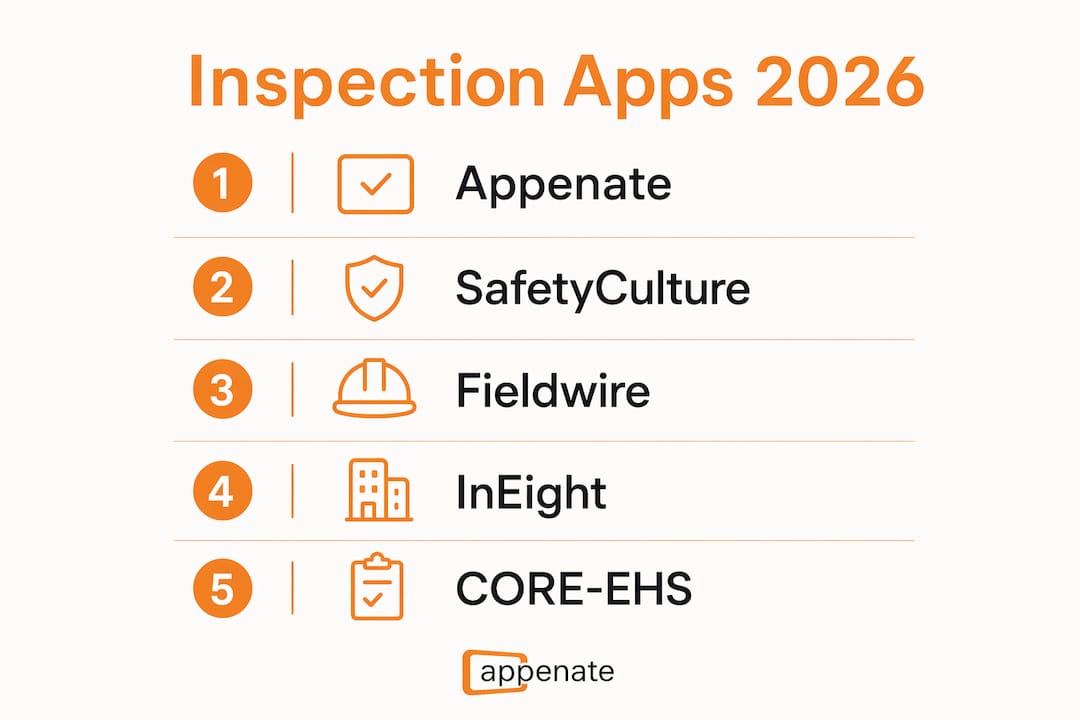
For most U.S. field teams, Appenate is the best inspection app because it combines no-code customization, native iOS/Android/Windows support, AI-assisted form generation, and enterprise integrations like Salesforce and Power BI in a single platform. If you need a shortlist before reading further:
- Appenate — Best for teams wanting fast, custom no-code mobile forms with offline sync and enterprise integrations; free trial available, SOC 2-aligned security options, SAML/SSO support.
- SafetyCulture (iAuditor) — Best for compliance-driven teams needing a large, ready-made template library; free tier available, paid plans scale by seat.
- Fieldwire — Best for construction QA teams managing punch lists and site coordination alongside inspections; free plan available.
- InEight — Best for large construction enterprises that want inspections embedded in a full project controls suite; enterprise pricing, demo required.
- CORE-EHS — Best for EHS and safety teams tracking regulatory compliance and incident remediation; pricing on request.
- Safetymint — Best for safety managers who need focused mobile checklists and compliance tracking; pricing on request.
- Imfuna — Best for teams prioritizing structured evidence capture tied to automated follow-up workflows; pricing on request.
The 2026 inspection app market splits clearly by use case: remote/video-first for insurers and building departments, report-first for home inspectors, and no-code enterprise platforms for field operations teams that need custom workflows, offline sync, and deep integrations.
What are the best inspection apps in 2026? A quick comparison
The table below covers the dimensions that matter most to field managers and IT buyers right now: platform support, offline capability, AI/photo features, remote inspection, integrations, and trial availability.
| App | Best for | Platforms | Offline sync | AI / photo analysis | Remote/video | Integrations | Customization | Trial / pricing |
|---|---|---|---|---|---|---|---|---|
| Appenate | No-code custom forms, enterprise integrations | iOS, Android, Windows, Web | Yes | AI form generation, photo capture | — | Salesforce, Power BI, ERP | No-code builder, template library | Free trial; subscription pricing |
| SafetyCulture (iAuditor) | Template-driven compliance audits | iOS, Android, Web | Yes | AI comment assist, photo annotation | — | Salesforce, Power BI, API | Large template library | Free tier; paid plans per seat |
| Fieldwire | Construction QA, punch lists | iOS, Android, Web | Yes | — | — | Procore, BIM tools | Plan-linked task workflows | Free plan; paid tiers |
| InEight | Large construction project controls | iOS, Android, Web | Yes | — | — | ERP, estimating tools | Module-based configuration | Demo required; enterprise pricing |
| CORE-EHS | EHS compliance and incident tracking | iOS, Android, Web | — | — | — | EHS/ERP systems | EHS workflow templates | Pricing on request |
| Safetymint | Safety checklists and program management | iOS, Android, Web | — | — | — | — | Checklist templates | Pricing on request |
| Imfuna | Evidence capture and automated workflows | iOS, Android, Web | — | — | — | — | Workflow automation | Pricing on request |
The single most decisive column for 2026 buyers is AI/photo analysis. AI photo vision now goes beyond comment assistance to automatically analyze inspection photos and generate narrative captions, substantially reducing report-writing time. If your team produces high volumes of photo-heavy reports, prioritize this capability above feature count.
Where pricing or specific feature details are not publicly listed, request a vendor demo or check the vendor’s current pricing page directly before making a procurement decision.
Short profiles: what each top app does and who should choose it
Appenate
Appenate is a no-code platform for building fully native inspection apps across iOS, Android, and Windows. You build custom forms without writing code, and the AI-assisted instant form generation means a working inspection template can be ready in minutes rather than days. Offline data collection with automatic sync is built in, so field teams in areas with poor connectivity never lose data. Enterprise buyers get Salesforce and Power BI integrations out of the box, plus SAML/SSO and role-based access controls. For teams that want to convert paper inspection forms to mobile apps fast, Appenate is the most direct path.
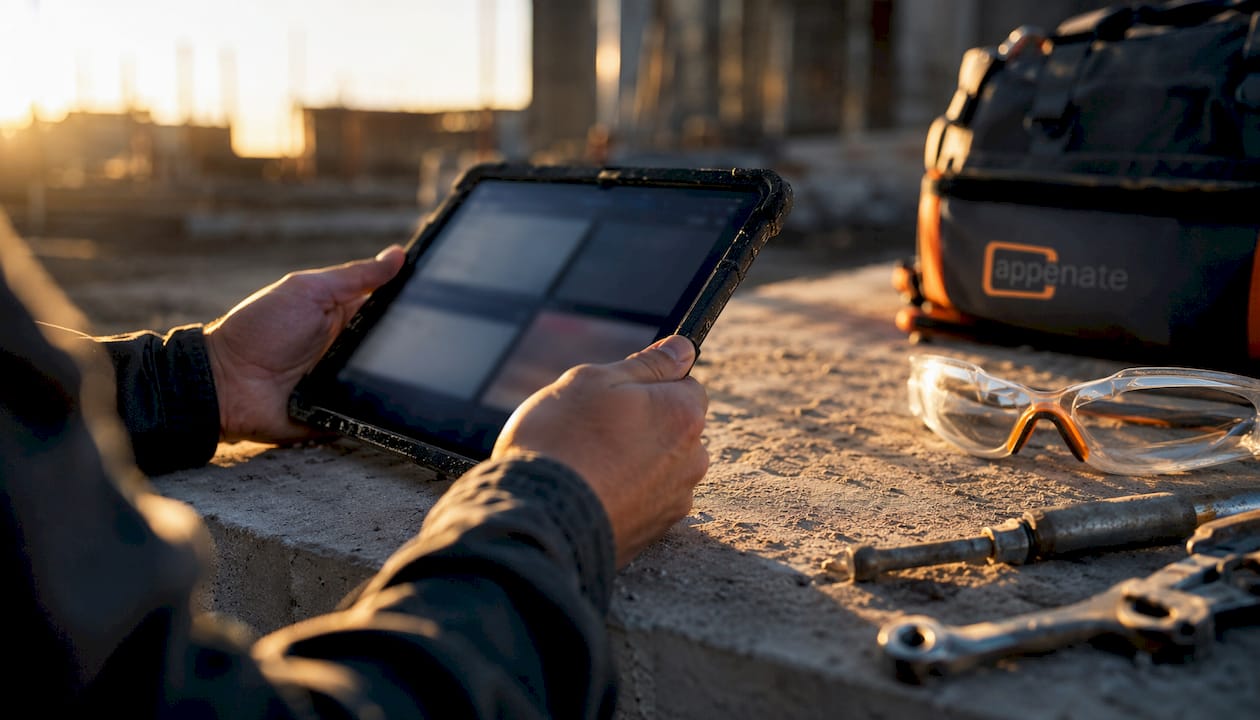
Pros: No-code setup, native Windows support (rare in this category), AI form generation, strong enterprise security options. Cons: Remote video inspection is not a core feature; single-purpose home inspection suites may suit solo inspectors better.
SafetyCulture (iAuditor)
SafetyCulture is the go-to for teams that want to start inspecting on day one using a pre-built template. Its library covers everything from food safety to construction site audits, and its reporting dashboards give compliance managers a clear view of audit trends. The free tier makes it accessible for small teams, though advanced analytics and integrations sit behind paid plans. Capterra reviewers consistently rate it highly for ease of use and template depth.
Pros: Extensive template library, strong reporting, free tier available. Cons: Customization depth is limited compared to no-code builders; costs scale quickly with seat count.
Fieldwire
Fieldwire ties inspections directly to construction plans, punch lists, and project tasks. If your QA team needs to mark up a floor plan, assign a defect to a subcontractor, and track resolution in one workflow, Fieldwire handles that better than most. It is purpose-built for construction, which is both its strength and its ceiling. Teams outside construction will find the plan-centric interface more friction than value.

Pros: Plan-linked inspections, strong punch list management, free plan available. Cons: Limited utility outside construction; no AI photo analysis.
InEight
InEight is for large construction enterprises that already use a project controls platform and want quality and field inspections embedded in the same system. It integrates tightly with estimating, scheduling, and cost control modules. The tradeoff is complexity: setup requires dedicated implementation support, and pricing is enterprise-only. For mid-market teams, the overhead is rarely justified.
Pros: Deep project controls integration, suited for large-scale construction programs. Cons: Enterprise-only pricing, significant onboarding investment required.
CORE-EHS
CORE-EHS focuses on environmental, health, and safety compliance. Its inspection module is designed around regulatory reporting and incident remediation workflows rather than general field data collection. Safety teams that need to tie inspection findings directly to corrective actions and compliance records will find it purpose-fit. Teams outside EHS will find it narrow.
Pros: EHS-specific workflows, regulatory reporting built in. Cons: Narrow use case; pricing not publicly listed.
Safetymint
Safetymint is a focused safety audit and checklist tool. It suits safety managers who need mobile checklists deployed quickly across a workforce without a complex implementation. The feature set is deliberately lean, which keeps the learning curve low. For teams that need deep customization or enterprise integrations, it falls short.
Pros: Easy to deploy, focused on safety program management. Cons: Limited integration options, thin on customization.
Imfuna
Imfuna emphasizes structured evidence capture and automated follow-up workflows. It is particularly well-suited for property inspection teams that need a clear audit trail from photo capture through to remediation sign-off. Workflow automation reduces the manual steps between finding an issue and closing it out.
Pros: Strong evidence capture, automated follow-up workflows. Cons: Pricing not publicly listed; less suited for general field inspections outside property.
Pro Tip: When evaluating mobile inspection software, test the photo-to-report workflow with a real inspection on your first day of the trial. Batch photo workflows that let you capture a full gallery then assign photos to findings save significantly more time than placing photos individually.
How we selected and evaluated these inspection apps
We evaluated each app against a structured checklist covering: core feature depth (offline sync, photo workflows, form customization), platform support (iOS, Android, Windows, web), AI and photo analysis capabilities, remote/video inspection options, enterprise integrations (Salesforce, Power BI, ERP), and security controls (SAML/SSO, SOC 2, data residency).
Feature claims were verified against vendor documentation, published product pages, and third-party reviews on Capterra and G2. AI and photo analysis capabilities were assessed using published reviewer tests and vendor-confirmed feature descriptions. App-store ratings and practitioner-level reviews informed the photo workflow and usability assessments.
A few honest limitations: proprietary pricing is common in this category, and several vendors require a demo call before disclosing per-seat costs. Features listed as available in enterprise plans may not be accessible on entry-level tiers. We recommend confirming specific capabilities during a trial or vendor call, particularly for offline sync behavior, AI photo accuracy, and SSO configuration. Trials shorter than 30 days are often insufficient to configure custom templates and test workflows under real field conditions, so ask vendors for extended access where possible.
How to choose the best inspection app for your team
Start with a core needs audit before you open a single demo. Answer these three questions first:
- What do you inspect and why? Construction QA, safety compliance, property condition, and environmental audits each have different documentation requirements. Match the app’s primary workflow to your inspection type.
- How critical is offline capability? If your teams work in basements, remote sites, or areas with unreliable connectivity, offline sync is non-negotiable. Test it by putting your device in airplane mode during the trial.
- What does your tech stack look like? If Salesforce or Power BI is already in use, integrations with those platforms will save hours of manual data transfer. Check whether the integration is native or requires a middleware tool like Zapier.
Once you have those answers, run these tests during your trial:
- Offline sync test: Complete a full inspection in airplane mode, reconnect, and verify all data and photos synced correctly.
- Batch photo workflow test: Capture 20+ photos in a session, then assign them to findings. Count the taps. A good workflow takes seconds per photo; a poor one takes 30+ seconds.
- AI caption test: Submit 10 photos, including at least two edge cases (low light, partial damage). Check whether AI-generated captions are accurate enough to use without manual editing.
- Report generation speed: Time how long it takes from completing the last finding to a shareable PDF report.
Questions to ask vendors directly:
- What is the minimum trial length, and can it be extended for real-world testing?
- Is SOC 2 compliance documented, and where is data stored (U.S. data residency)?
- Does the enterprise plan include SAML/SSO and role-based access controls?
- What does onboarding look like, and is there a dedicated implementation contact?
Red flags to watch for: mandatory multi-week onboarding before you can run a single inspection; hidden per-report or per-inspector fees not disclosed upfront; photo workflows that require placing each image individually; no enterprise security options on any plan tier.
Pro Tip: Ask the vendor to walk through a photo-to-report workflow live during the demo using your own sample photos. The time from last photo to finished report is the single most revealing performance test you can run.
For teams managing field workforce scheduling alongside inspections, tools like Heyhive can complement your inspection app by handling GPS time tracking and AI-driven scheduling in parallel.
Why AI photo vision and remote inspections matter most in 2026
The inspection app market has moved past basic digitization. The differentiator in 2026 is not whether an app has a checklist builder; it is how intelligently the app handles photos and whether it can support inspections that never require a site visit.
AI photo vision now detects issues in images and suggests narrative captions automatically. Professional reviewers found that AI-generated captions and comment assistance allowed inspectors to deliver same-day reports more consistently, reducing the after-hours report-writing burden that solo inspectors and small teams feel most acutely. The best AI integrations go beyond comment-assist to include photo vision that identifies defects and drafts descriptions, which cuts manual narrative work at the point of capture rather than after the fact. Appenate’s AI-powered mobile forms take this further by applying AI at the form-generation stage as well, so the inspection structure itself can be built in minutes.
Remote video inspection is a separate capability with a distinct ROI case. For building departments, insurers, and high-volume field teams, remote video platforms can deliver large monthly savings by eliminating transit costs and enabling inspectors to verify conditions without traveling to site. Workflows that can safely move remote include permit verifications, insurance condition checks, and follow-up re-inspections after initial findings are remediated.
Stat to know: Reviewers cite remote video inspection platforms reporting large monthly savings for high-volume programs, with documented ROI achieved within months for enterprise-scale users.
Pro Tip: When testing AI photo accuracy, include at least two edge-case images in your sample set: one taken in low light and one showing partial or ambiguous damage. If the AI captions those correctly, it will handle your real-world conditions reliably.
Key Takeaways
The best mobile inspection software for 2026 matches your inspection type, supports offline data collection, and delivers AI photo analysis fast enough to produce same-day reports.
| Point | Details |
|---|---|
| Match app to inspection type | Construction QA, EHS compliance, property, and environmental audits each need different workflows; choose accordingly. |
| Test photo-to-report speed first | Batch photo processing and AI captions are the biggest time-savers; run this test on day one of any trial. |
| Require at least 30 days to trial | Trials shorter than 30 days rarely allow full template configuration and real-field workflow testing. |
| Verify enterprise security early | Confirm SOC 2 documentation, U.S. data residency, and SAML/SSO availability before procurement sign-off. |
| Appenate for no-code enterprise teams | Appenate suits teams that need fast custom form setup, native Windows support, and Salesforce/Power BI integrations. |
Why Appenate leads this shortlist
Appenate sits at the top of this list because it solves the three problems field teams hit most often: setup takes too long, forms don’t match real workflows, and data ends up siloed from the tools the business already uses.
The no-code builder means a field manager can create a custom inspection form without involving IT. AI-assisted instant form generation compresses that further, turning a blank template into a working inspection structure in minutes. Native iOS, Android, and Windows support is genuinely rare in this category; most competitors drop Windows entirely, which matters for teams that mix tablet and laptop workflows. Salesforce and Power BI integrations are native, not middleware-dependent, so inspection data flows directly into the reporting and CRM tools your business already runs.
Appenate is the article’s publisher and an available vendor. We recommend running a full trial with real inspections, requesting references from teams in your industry, and validating the integration and security checklist above before committing. For teams whose primary need is remote video inspection or GIS-first spatial documentation, a specialist platform may serve that specific workflow better. For everyone else building a scalable, customizable field inspection program, Appenate is the strongest starting point.
Ready to see Appenate in action?
Field teams that have replaced paper inspection forms with Appenate report cutting administrative work by 40% or more, with one enterprise case study showing 40 work hours saved after switching from paper. That is the concrete payoff of getting the right platform in place.
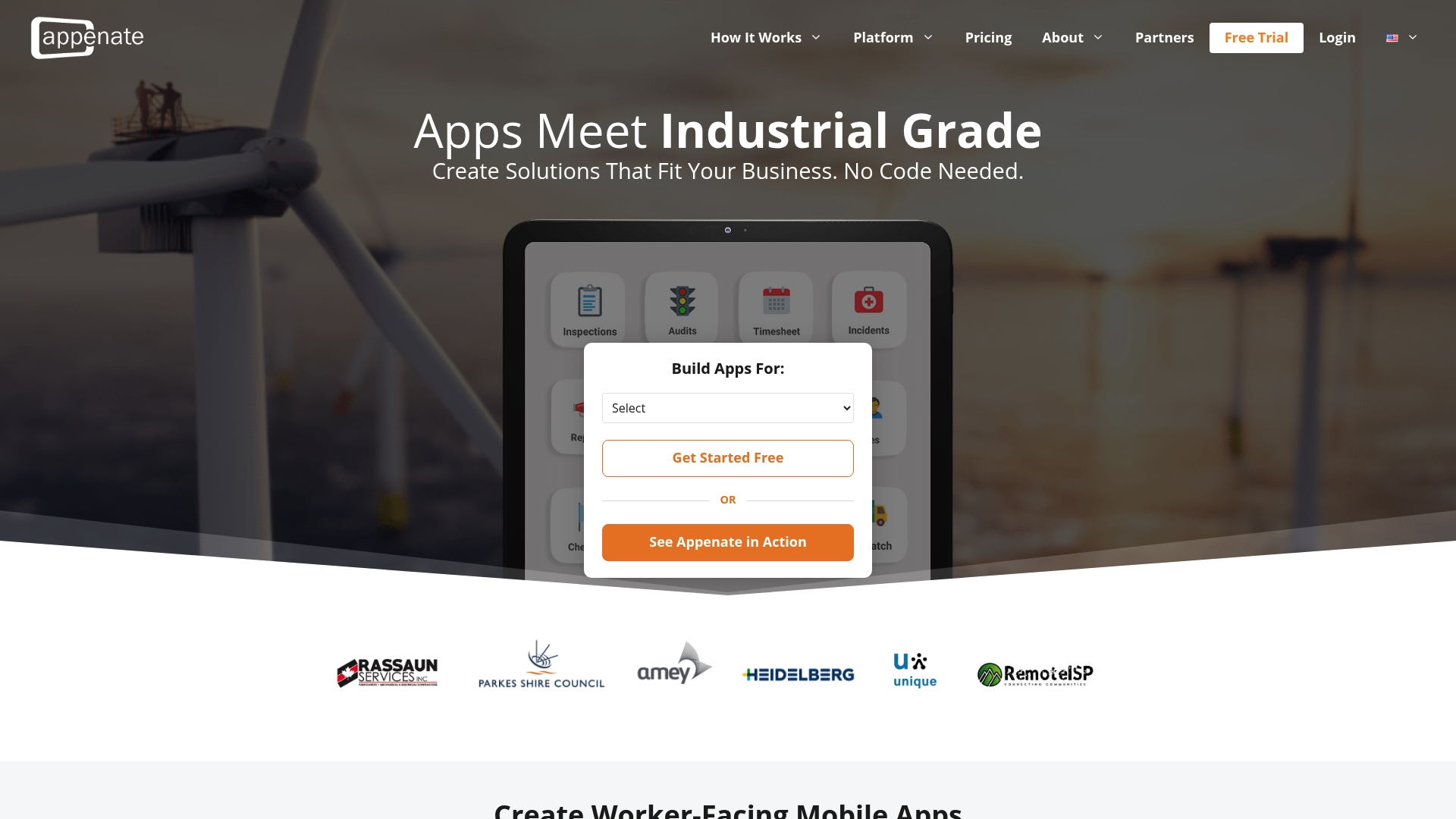
Appenate’s no-code mobile forms platform lets mid-market and enterprise field teams build custom inspection apps, collect data offline, and push results directly to Salesforce, Power BI and more. Environmental teams can explore purpose-built templates on the environmental industry page. During your demo, validate three things: how fast a custom form goes live, whether offline sync works end-to-end in your environment, and whether the Salesforce or Power BI integration matches your current data model. Start your free trial at appenate.com.
Sources and further reading
- Top Building Inspection Software in 2026 (Ranked & Compared) — Comparative roundup covering remote video platforms, home inspector suites, and enterprise tools; useful for benchmarking use-case fit.
- Binsr Inspect: AI Home Inspection Software Review 2026 — Hands-on practitioner review with detailed notes on AI photo captions, batch photo workflows, and report-writing time savings.
- Tap Inspect Review (2026): Pricing, Features, Pros & Cons — Detailed review covering trial length guidance and home-inspector-specific workflow considerations.
- Tap Inspect on the App Store — App Store listing with workflow feature descriptions and user ratings for standalone home inspection use.
- 7 Best Field Inspection Apps for 2025 (ArcSite) — Roundup that covers visual-first and GIS-focused inspection tools; useful for teams with drawing-heavy workflows.
- SafetyCulture (iAuditor) on Capterra — Third-party user reviews and ratings for iAuditor; consult for independent usability and support assessments.
- OSHA Common Stats — Primary source for U.S. workplace safety statistics; useful for EHS teams building the compliance case for inspection software.
For pricing specifics, consult each vendor’s current pricing page or request a demo directly. For API documentation and enterprise security details, ask vendors for their technical documentation during the procurement process.
FAQ
What is the best inspection app for small field teams?
Appenate and SafetyCulture (iAuditor) both offer free trials and scale from small teams upward; Appenate suits teams that need custom forms fast, while SafetyCulture works well for teams that want pre-built templates from day one.
Which inspection apps work offline?
Appenate, SafetyCulture (iAuditor), Fieldwire, and InEight all support offline data collection with automatic sync; always verify offline behavior by testing in airplane mode during your trial before committing.
What AI features should I look for in a mobile inspection app?
Look for AI photo vision that detects issues and generates narrative captions automatically, not just comment-assist tools; AI photo captions that work at the point of capture reduce after-hours report writing most effectively.
Does Appenate integrate with Salesforce and Power BI?
Yes. Appenate offers native integrations with both Salesforce and Power BI, along with ERP connections, so inspection data flows directly into the reporting and CRM tools your business already uses.